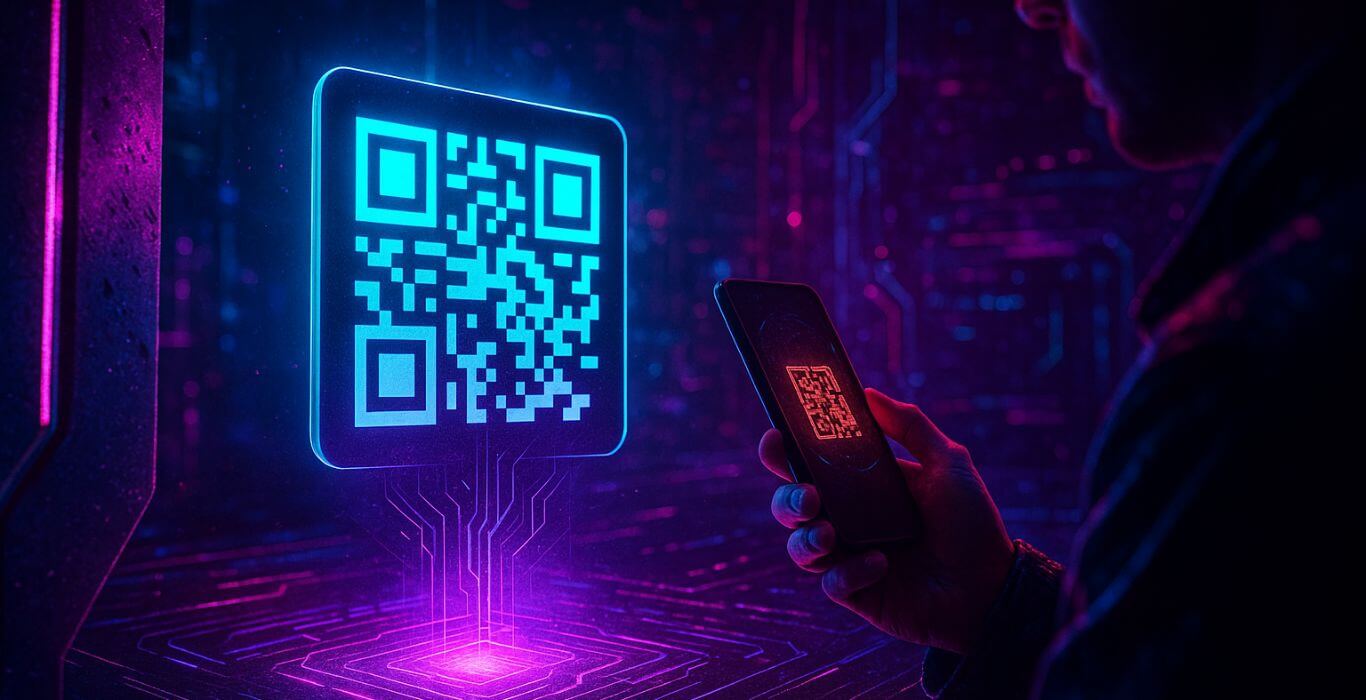
QR Code Scams (Quishing): How They Work and How to Stay Safe
QR code scams, often called “quishing,” are a rapidly growing threat where criminals use fake QR codes to steal money and personal information. These codes can appear in emails, on physical signs, or in unsolicited packages.
Scanning a fraudulent QR code can lead you to a fake website that steals your login credentials, or to a malicious site that downloads malware to your device. The best defense is to remain skeptical and never scan a QR code from an unknown or suspicious source.
Understanding how these scams work is essential to keeping your phone, data, and money safe.
Key Takeaways (Scam at a Glance)
- Deceptive Delivery: Scammers place fake QR codes in public places, send them in phishing emails (quishing), or include them in unsolicited packages.
- Data and Financial Theft: A malicious QR code can lead to a fake payment page, a site that steals your login credentials, or an automatic malware download.
- Evolving Tactics: Criminals are becoming more sophisticated, even using QR codes in new variations of brushing scams.
- Simple Defense: Only scan QR codes you are 100% confident are legitimate, and always verify the URL before entering any information.
The QR Code Scam: Your Guide to Scanning Safely
QR codes have become a part of our daily lives, from restaurant menus to parking meters and digital payments. Their convenience is undeniable, but it has also created a new frontier for scammers.
The QR code scam is a modern form of phishing that exploits trust in this simple technology to steal money and personal data.
How the QR Code Scam Works
The Lure: Placing the Fake Code
The scammer’s first step is placing a fake QR code where a real one would normally be expected. This could be a sticker placed over a legitimate QR code on a parking meter, a fake sign for a charity donation, or a QR code included in a professional-looking phishing email.
The Attack: The Malicious Redirect
When you scan the fraudulent code, your phone reads the embedded link. Instead of taking you to a legitimate website, it redirects you to a malicious site designed to look identical to a real service such as a bank or payment portal.
The Fraudulent Goal: Stealing Your Information
Once on the fake website, you may be asked to enter login credentials, credit card details, or other personal information. Some sites prompt you to download an app that is actually malware designed to steal data from your device.
This is a form of credential harvesting, where stolen login details are reused across multiple platforms.
The Psychology: Why This Scam Is So Effective
- Trust by Association: QR codes appear in trusted environments, making them feel safe.
- The Power of Automation: Scanning removes the friction of typing a URL, reducing caution.
- The Disguise: Fraudulent websites often perfectly mimic legitimate branding.
Analogy: A QR code is like a key. A real one opens the right door. A fake one opens a stranger’s — and you don’t know what’s inside.
7 Red Flags of a QR Code Scam
- A Sticker Over a Real Code: Signs of tampering are a major warning.
- Unsolicited Packages: Brushing scams may include QR codes in packages you didn’t order.
- Typos or Strange URLs: Always inspect the URL after scanning.
- Suspicious Emails or Texts: Be cautious of messages urging you to scan for refunds, prizes, or urgent payments.
- Requests for Personal Data: QR codes should not demand sensitive information.
- Generic, Unbranded Codes: Legitimate businesses often use branded QR codes.
- Unusual Payment Methods: Requests for cryptocurrency or gift cards are major red flags.
What to Do Immediately If You’re Targeted
- Do not enter any information on a suspicious website.
- Disconnect your device from the internet if malware is suspected.
- Change passwords immediately if credentials were entered.
- Contact your bank or credit card provider if financial information was shared.
- Report the scam to the FBI’s Internet Crime Complaint Center.
Prevention: How to Protect Yourself and Your Family
- Be Skeptical: If you doubt the source, don’t scan.
- Use App-Specific Scanners: Use trusted apps for payments and banking.
- Inspect the URL: Always verify before clicking or submitting data.
- Educate Family Members: Warn children and older relatives about QR scams.
Expert Insight: QR codes can trigger more than websites — they can initiate calls, send messages, or download apps automatically.
Written By
Our editorial team aggregates and verifies scam reports from threat-intelligence feeds (URLhaus, OpenPhish, PhishTank) and U.S. government complaint data (FTC, FCC), plus community submissions. See our methodology for how every record and article is sourced and reviewed. Read our methodology →